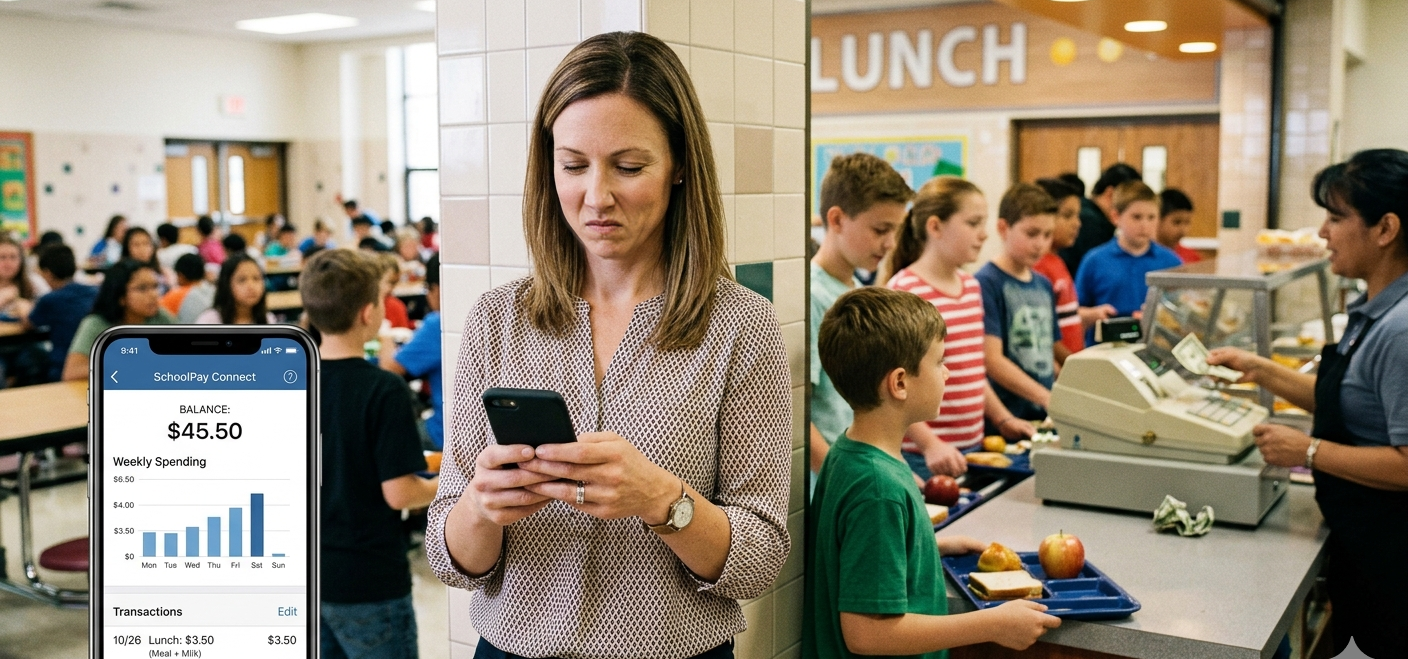
School Student Management System

Designed for busy parents, the system provides a convenient way to handle school meal payments using credit cards, debit cards, or electronic checks. The platform is backed by Payment Systems, one of the largest and most trusted payment processors in the United States.

The platform supports day-to-day school lifecycle activities such as academic tracking, school events, cafeteria services, store purchases, and invoice payments, providing a structured and transparent experience for both schools and families.

Education Web / Mobile B2B2C

Role

UX/UI Designer

Platform

Web and Mobile Application

Focus

Invoice and Student Management System

Problem

UX Problem

Parents needed a simple and secure way to manage their children’s school meal payments. Traditional processes often relied on cash payments or fragmented systems, making it difficult for parents to monitor balances and cafeteria spending.

The challenge was to design a digital platform that simplifies meal account funding while providing transparency into student purchases and account balances.

User Persona

Sarah Thompson

Working Parent

Goal: Easily manage meal payments for her children without worrying about cash payments.

Needs

  • Quick account funding
  • Visibility into meal spending
  • Notifications when balances are low

Pain Points

  • Forgetting to send cash with children
  • Lack of transparency in cafeteria spending
  • Managing accounts for multiple children

User Journey

The core user journey focuses on enabling parents to quickly manage meal accounts.

  • Register Account
  • Add Student Profile
  • Check Meal Account Balance
  • Add Funds to Account
  • Monitor Cafeteria Purchases
  • Track Payment History

The experience was designed to minimize friction and support quick financial tasks for busy parents.

UX Challenges

Payment Simplicity

Parents needed a fast and intuitive way to add funds to meal accounts.

Financial Visibility

Users required clear visibility into account balances and cafeteria purchases.

Trust & Security

Since the platform processes payments, the design needed to communicate reliability and security.

Ideation

During ideation, multiple design concepts were explored to simplify the meal payment experience.

Dashboard Overview

A centralized dashboard displaying balances for each student to provide quick visibility.

Quick Add Funds

Easy access to funding actions to reduce time and friction in payment workflows.

Transaction History

Clear and structured view of cafeteria purchases for better financial transparency.

Simplified Workflow

A streamlined payment process designed to minimize steps and improve usability.

The primary goal was to reduce friction and enable parents to complete payment-related tasks quickly and efficiently.

Mid-Fidelity Wireframes

Mid-fidelity wireframes were created to validate the structure of key screens.

Focus areas included

  • Parent dashboard layout
  • Student account overview
  • Payment workflow screens
  • Transaction history interface

These wireframes helped validate navigation, information hierarchy, and interaction patterns before visual design.

Clickable Prototype

Interactive prototypes were developed to simulate the user journey and payment experience.

The prototypes were used to

  • Review workflows with stakeholders
  • Refine interaction patterns
  • Validate usability before development

Final Output

The final design delivered a simple and secure digital platform for managing school meal payments.

Key features include

  • Quick meal account funding
  • Clear account balance visibility
  • Cafeteria purchase tracking
  • Multi-student account management

The platform provides a convenient payment experience for parents while helping schools streamline meal payment management.